Stripchat on Bank Statements
A Stripchat purchase may appear on a bank or credit-card statement under a payment provider’s name. Stripchat’s billing guide lists names including Paymentico.com, EPOCH.COM with Technius, and SegpayEU.com-TechChat. That can explain why a charge looks unfamiliar even when you remember buying tokens.
The name is only one part of the picture. To identify a payment, compare the statement entry with your receipt, the amount and currency, the purchase date and the payment reference. A recognised provider name does not establish that you authorised a particular transaction. Equally, a descriptor you have never seen before does not automatically mean the payment is fraudulent.
For Indian cardholders, there can be another complication: a purchase quoted in a foreign currency and a final debit shown in rupees. This guide explains how to work through those differences, what discreet billing actually means, and what to do when the records still do not add up.
What name can Stripchat use on a bank statement?
Stripchat’s bank-statement guide says transactions may appear under different names depending on the payment provider. It lists the following examples. Use them to help identify the processor involved, then verify the individual purchase.
| Name listed in the billing guide | What to check |
|---|---|
| EPOCH.COM*Technius | Compare the charge with the receipt and the purchase information available through Epoch’s billing support. |
| SegpayEU.com-TechChat | Check the transaction details and use the Segpay support route linked from Stripchat’s guide. |
| Paymentico.com | Match the entry with the receipt and use Paymentico’s official support if identification is needed. |
| centrobill.com | Compare the amount, currency, date and reference with your own purchase records. |
| Technius Ltd | Look for the corresponding receipt or payment record rather than relying on the company name alone. |
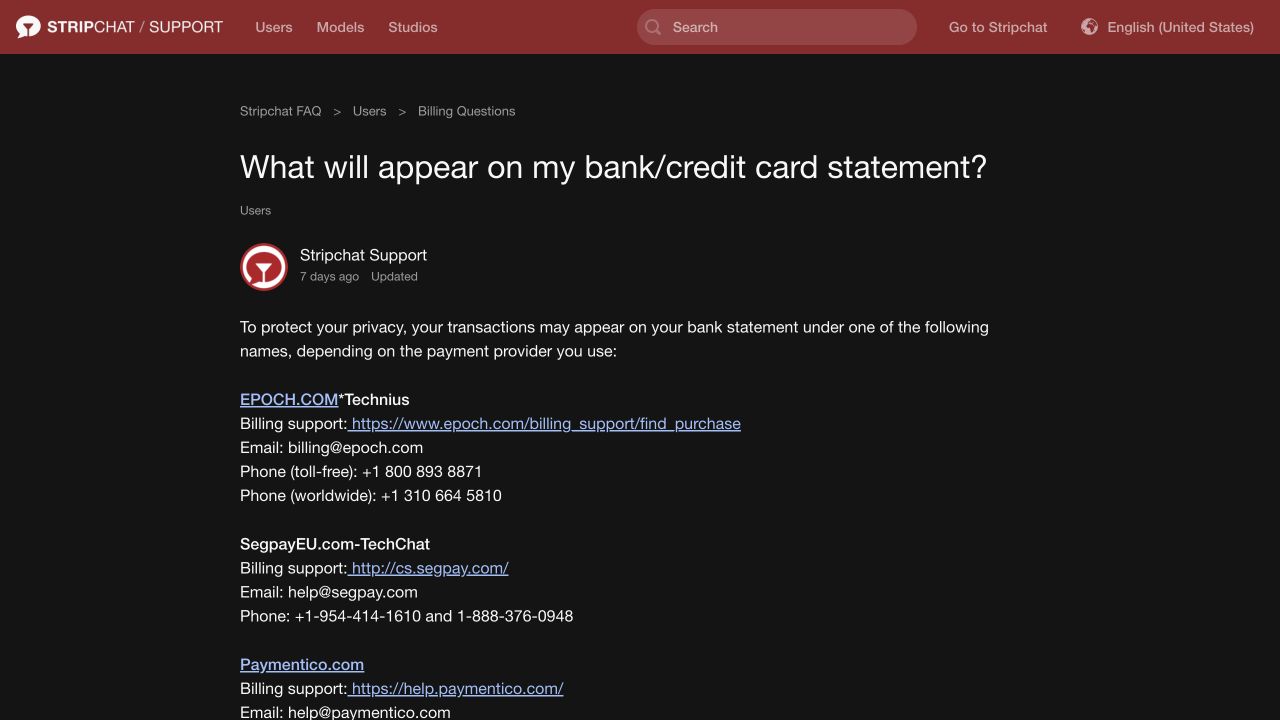
These are documented possibilities, not a promise that every payment will have the same wording. The relevant provider and the entry displayed by your bank matter more than an old screenshot or a descriptor someone else reported online. Keep the exact text from your own transaction when asking about it.
A short name on a statement may also tell you less than the transaction details inside the banking app. Open the entry and look for any available merchant information, original currency, status and reference. If the meaning of a field is unclear, your bank can explain what its record shows.
Why does Paymentico appear on the statement?
Paymentico is a payment processor. Stripchat’s Paymentico explanation describes it as providing credit- and debit-card processing for live entertainment websites. That is why its name can appear where you expected the website’s name.
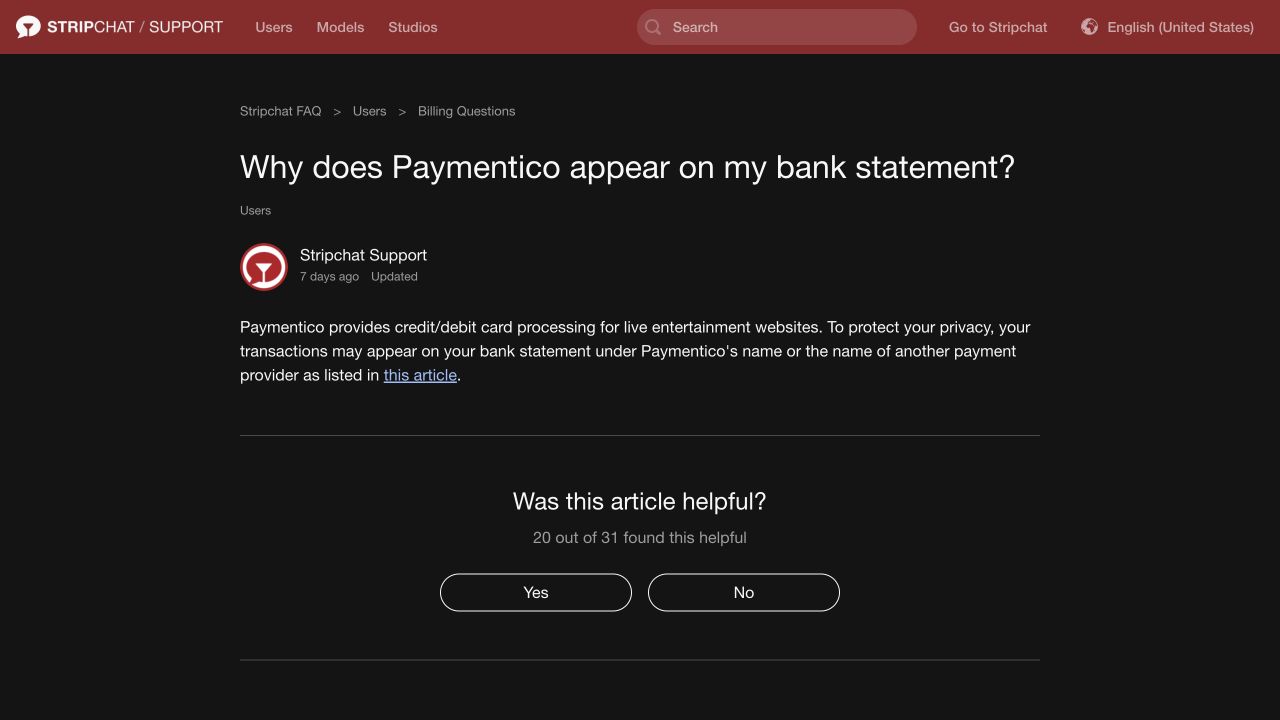
If you remember buying tokens, check whether the receipt names the same processor and whether the transaction details match. If you have never used Stripchat, the presence of Paymentico alone is not enough to attribute the charge to a Stripchat account. A processor can handle payments for more than one website.
For a billing query, follow the support links in the platform’s guide or go to Paymentico’s help site. Avoid choosing a phone number from an unrelated advert or a comment claiming to offer refunds. If the transaction is genuinely unrecognised and you suspect unauthorised use of your card, contact the bank promptly as well.
How to match a charge with a token purchase
The most useful comparison is between the bank entry and the receipt for the purchase. Your remaining token balance is a different record: tokens may already have been spent, and buying a package is separate from using its balance on the site.
- Find the purchase confirmation. Search the email account used for the purchase and check the account’s available payment records. Look for the processor, amount, currency and purchase reference.
- Open the full bank entry. Copy the exact descriptor and note the date, status, amount and any reference your bank supplies.
- Compare the original currency. A receipt in dollars and a bank debit in rupees need a currency comparison, not a direct numerical match.
- Check nearby dates. The purchase date and the date the bank records the charge can differ. Use the receipt and transaction reference to establish the connection.
- Check each payment separately. Two purchases of the same token package can have the same price. An amount match by itself does not identify which purchase a line belongs to.
You do not need to remember what every token was spent on to investigate the purchase. Start with the payment that added tokens or paid for a separate feature. If you need a clearer explanation of the payment routes, see our guide to Stripchat payment methods in India.
Keep the purchase and token spending separate
Suppose you bought a token package, then used some of the balance over several visits. The package purchase is the payment to reconcile with the bank. The later use of those prepaid tokens is not, by itself, evidence of a new card charge.
The reverse matters too. If an additional package is purchased, there is a new payment to investigate even if the token balance looks similar because tokens have also been spent. Look at the purchase records rather than trying to reconstruct bank charges from the current balance alone.
Why can the purchase and statement dates differ?
Stripchat’s guide to mismatched purchase dates explains that bank processing can delay the appearance of a charge. A date difference can therefore be consistent with a genuine purchase you made earlier.
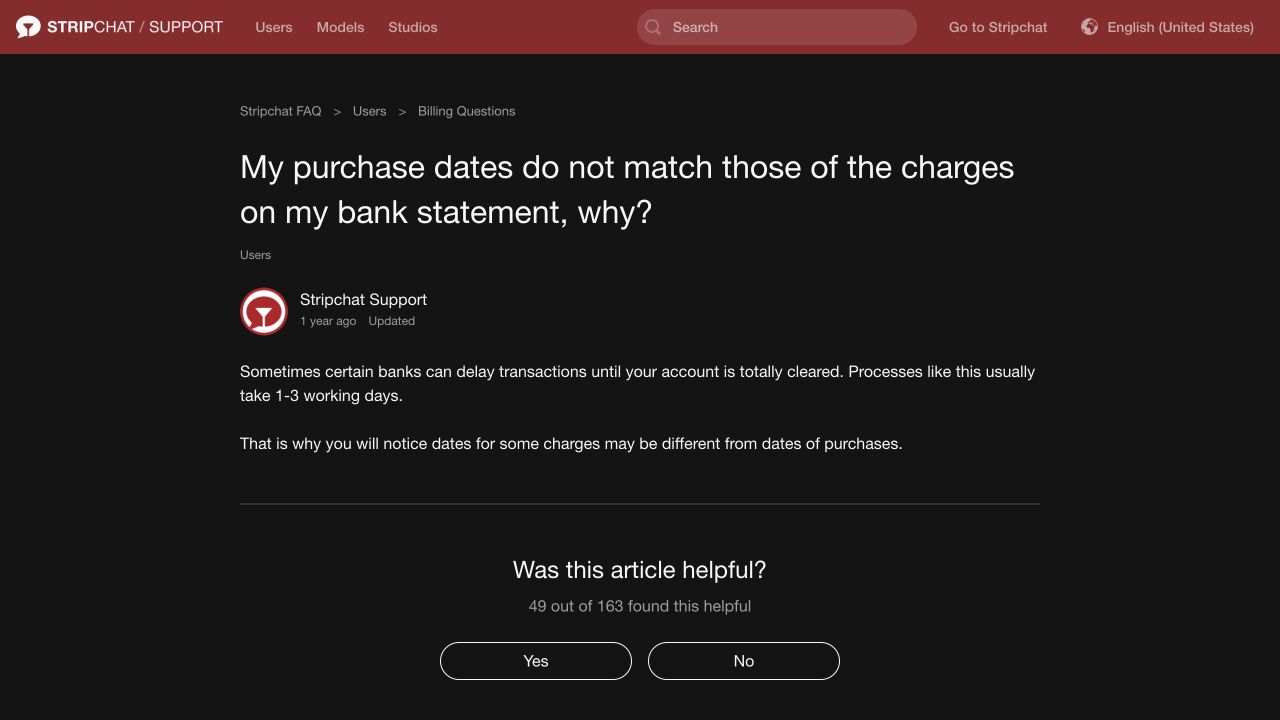
Search a small range around the statement date instead of checking only that calendar day. Compare the amount, currency and reference as well. If the bank shows more than one date, ask which represents the transaction and which represents its posting to the account.
A date difference is an explanation to examine, not proof that an unfamiliar charge is legitimate. If there is no corresponding purchase and you suspect someone used your payment details, do not postpone contacting the bank while waiting for the dates to make sense.
Why is the rupee amount different from the receipt?
An Indian statement can show a settled INR amount for a purchase originally quoted in another currency. The receipt and the bank entry then describe the same payment in different units. Your card’s conversion rules and applicable charges can affect the final cost.
Check the original transaction amount and currency first. Then look at the INR debit and any separately listed fee or tax. A converter’s current exchange rate is not necessarily the rate your card used when processing the transaction. Your card issuer’s terms and the actual statement are the relevant records for the amount charged.
Our guide to Stripchat token prices in INR explains how package prices, exchange rates and issuer charges fit together. The token calculator can help with a planning estimate using the figures you enter. It does not replace the receipt or prove what a completed transaction cost.
If the receipt itself shows a different amount from what you approved, raise that specific discrepancy with the provider. If the question concerns conversion or a bank fee, ask the card issuer to explain that part of the debit. Describing the exact difference is more useful than reporting only that “the price changed.”
Do two statement entries mean a duplicate payment?
Not necessarily. First check whether both entries are completed charges, whether they have separate references and whether you made more than one purchase. A notification, a pending entry and a final statement line should not be counted as separate completed purchases without checking their status.
Ask the bank whether the entries represent two settled debits or different stages of the same transaction. Then compare the answer with the receipts. If there really are two completed debits for one purchase, give the billing provider both references and explain which purchase each appears to relate to.
Do not make another token purchase just to see whether the first one worked. A new attempt creates another payment to reconcile and can make the original problem harder to follow. Establish the status of the existing transaction first.
There is no single waiting period that resolves every duplicate-looking entry. The bank can identify the status on its side; the platform or processor can investigate the purchase record on theirs.
What can explain repeated charges?
Repeated entries deserve a check of the account’s payment settings as well as the receipts. Stripchat documents an Auto-Refill feature that can repeat the last manually purchased token package using the last payment details. The feature is available with some payment methods, rather than universally.
If you use Auto-Refill, check its status in the account’s Balance Auto-Refill settings and compare each purchase with the repeated bank charges. Also check any separately authorised recurring product and its payment terms. Equal amounts on different days do not establish that Auto-Refill caused them.
For each entry, ask a concrete question: was there a manual purchase, an enabled refill or another authorisation that explains it? If the answer is no, treat it as an unresolved transaction. Turning off a future payment feature does not, by itself, identify or reverse an earlier charge.
The Stripchat terms guide explains the distinction between prepaid tokens, paid features and payment authorisations. Keep a confirmation of any setting change so that you can refer to it if another charge appears later.
Is Stripchat billing private?
A payment-provider name can make a statement less immediately descriptive. It does not make the purchase anonymous or remove the financial record. Anyone entitled to access the statement can still see the entry, amount and date, and may be able to investigate the provider name.
Think about where the surrounding records are visible too. Purchase emails, banking notifications and an account left open on a shared device can reveal more than the short descriptor. Privacy therefore depends on access to those records as well as the wording on the statement.
Do not assume that Stripchat will never be identifiable from a payment, that you can choose any billing name, or that deleting the site account will erase the bank’s record. If the bank entry is inaccurate, ask about correcting the record through the appropriate provider or bank. That is a different issue from changing the description to conceal a purchase.
For the wider account and device questions, see our Stripchat safety guide for India.
Who should you contact about an unfamiliar charge?
The right starting point depends on whether you recognise the purchase. A billing-description question and suspected unauthorised card use need different responses.
You recognise the purchase but need an explanation
Use the provider named on the receipt or the support route linked from Stripchat’s billing guide. Epoch’s purchase lookup is one official route for transactions processed by Epoch. Stripchat’s transaction-support article also directs users to support and asks for the purchase date, time, amount and receipt where available.
Explain what you need resolved: identification of a descriptor, a possible duplicate, a mismatch with the receipt or a purchase missing from the account. Keep the payment reference and any support reference together so that later replies can be connected to the same case.
You did not authorise the payment
Contact the bank promptly using its trusted app, website or the contact details on your card. Ask how to secure the affected payment method and report the transaction. Keep the bank’s acknowledgement and reference. Do not wait for a website or processor to reply before reporting suspected unauthorised use.
The Reserve Bank of India’s guidance on unauthorised electronic banking transactions emphasises reporting to the bank at the earliest opportunity. The circumstances and applicable rules determine the outcome; the descriptor alone does not guarantee either a refund or a rejection.
Our unauthorised Stripchat charges guide explains what to preserve, how to secure account access and what to ask during the investigation.
If someone you know used the card, describe the facts accurately to the bank. Recognising the website, recognising the person involved and having authorised a particular payment are separate questions.
Share the relevant record, with unrelated details removed
For an initial billing explanation, the receipt or the relevant statement line is more useful than an entire month’s financial activity. Redact unrelated transactions, balances and unnecessary account information before sending an attachment. Follow the genuine support channel’s requirements for any information it actually needs.
Never send a card PIN, CVV, banking password or one-time password in a support message. A person claiming they need an OTP to identify a statement name is not a reason to disclose it. Keep sensitive payment information within the legitimate bank or processor interface.
Frequently asked questions
Will the word Stripchat appear on my bank statement?
The platform documents payment-provider descriptors, including Paymentico.com, EPOCH.COM*Technius and SegpayEU.com-TechChat, plus other names. That does not establish a universal descriptor for every transaction. Check your own receipt and bank entry rather than relying on a promise that the website’s name can never appear.
Does Paymentico on my statement prove a Stripchat purchase?
No. Stripchat identifies Paymentico as a processor for live entertainment websites. Match the individual transaction with a receipt, amount, currency and reference. If you cannot recognise it, contact the appropriate provider and bank rather than treating the name as conclusive evidence.
Can a Stripchat charge appear after the day I bought tokens?
Yes, the platform’s help article explains that bank processing can cause the recorded charge date to differ from the purchase date. Check nearby purchase records and ask the bank what the dates mean. This possibility is not a reason to ignore a payment you did not authorise.
Why do I see a charge even though I still have tokens?
A token purchase adds prepaid balance. You can still have tokens left after the corresponding payment appears on the statement. Compare the purchase receipt with the bank entry; the remaining balance does not establish whether a separate new payment occurred.
Can I remove the payment name by deleting my account?
Do not expect account deletion to remove a bank transaction. The bank’s financial record is separate from the website account. For an incorrect or disputed entry, contact the bank or billing provider through the appropriate process.
Should I ask Stripchat first if I never made the payment?
You can ask the platform or processor to identify the transaction, but suspected unauthorised card use should be reported to the bank promptly. Keep your receipt searches and support enquiries alongside that report, rather than waiting for them to finish before protecting the payment method.