Stripchat Payment Methods in India
Stripchat lists several ways to buy tokens, including bank cards, PayPal, Alipay/UPI and other alternatives. The important qualification for Indian users is that the available methods depend on the country and the options presented to the account. A payment logo in a help article is a starting point, not a promise that every Indian user can complete a purchase through it.
The practical approach is to check the payment screen, identify the provider and currency, and understand the full amount before authorising anything. Card approval, payment confirmation and the arrival of tokens are separate stages. Keeping them separate makes both comparisons and troubleshooting easier.
This guide explains the documented methods, what the UPI mention establishes and how to approach card or payment problems without relying on an unofficial seller. For a broader introduction to the service, see our Stripchat India review.
Which payment methods can appear?
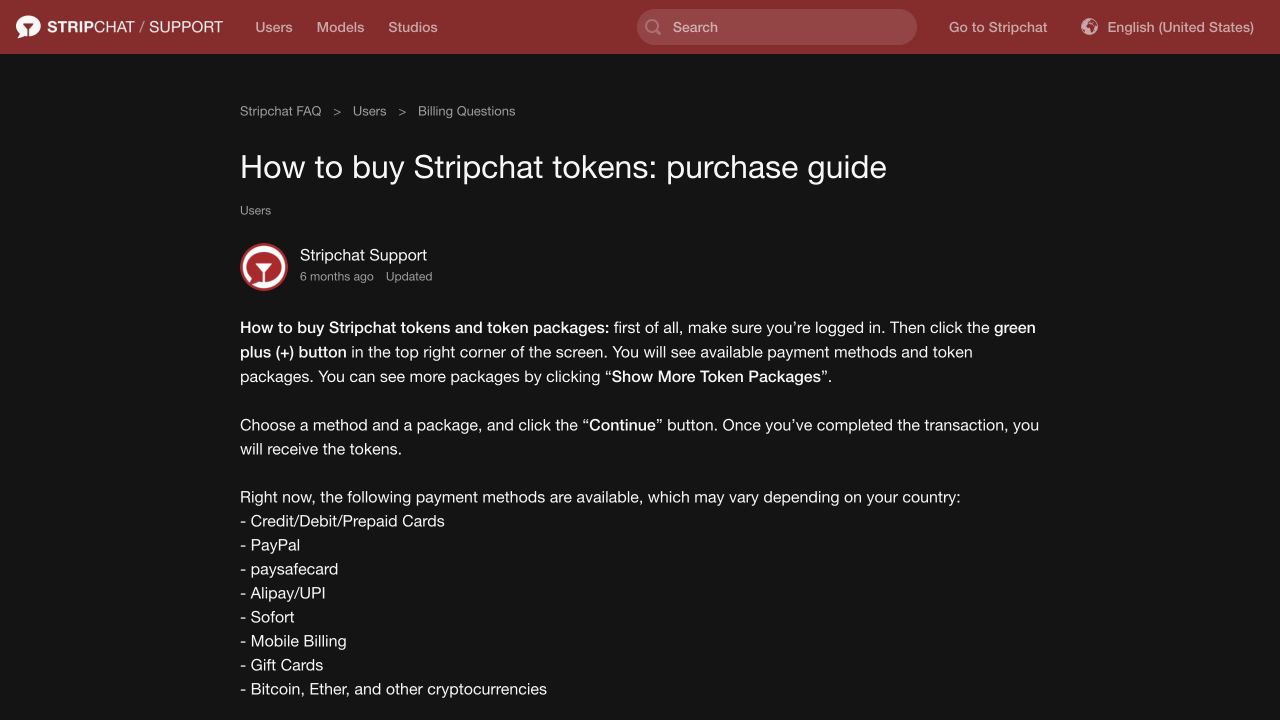
The official token-purchase guide lists cards, PayPal, paysafecard, Alipay/UPI, Sofort, mobile billing, gift cards and cryptocurrencies. It expressly says the methods may vary by country. Treat the following as a guide to the documented categories, then check the choices actually offered to you.
| Method | What to check before paying |
|---|---|
| Bank cards | The card route offered, issuer permissions, transaction limits and final currency. |
| Alipay/UPI | Whether the relevant option appears in your checkout and where its official instructions lead. |
| PayPal | Whether this checkout offers it and what total and authorisation the provider presents. |
| Prepaid or virtual cards | The card’s own restrictions as well as the platform’s supported payment route. |
| Vouchers or gift cards | The exact product accepted, its conditions and the package it can purchase. |
| Mobile billing or other local methods | Availability for the country, provider and account involved. |
| Cryptocurrency | The specific payment option, accepted asset, quoted total and provider instructions. |
There is no need to assume every row will appear on your screen. A different account, country or payment route may show a different selection. Choose among the options available to your purchase rather than buying a financial product or voucher in advance because its category appears in a general list.
Does Stripchat accept UPI in India?
UPI appears in Stripchat’s purchase guide under the wording “Alipay/UPI.” That is evidence of a documented payment category. The same guide’s country qualification means it is not sufficient evidence that UPI is available to every Indian account at every checkout.
Look for the option in the purchase flow you open from the platform itself. If it appears, read the provider’s instructions and check the amount and recipient details presented for that transaction. If it does not appear, a blog post, screenshot or person’s assurance does not create an official payment route.
This matters when someone offers to accept a transfer and credit tokens manually. A personal UPI address sent in a chat is not established as a legitimate Stripchat payment method merely because the help page mentions UPI. Keep the transaction tied to the platform’s own checkout and the provider it identifies.
What about Google Pay, PhonePe or Paytm?
Having a UPI app is different from a merchant offering a compatible UPI payment option. Start with what checkout presents, then follow the supported provider flow. Do not assume that every app, account type or payment arrangement will work simply because it uses the UPI name.
If the instructions are unclear, ask official support about the displayed method before approving a request. You should be able to explain which purchase the requested payment belongs to and what token package it is supposed to provide.
Keep payment approval separate from refunds
NPCI’s fraud-awareness guidance warns about reward links and QR codes that ask for a UPI PIN: scanning and entering the PIN are associated with making a payment, not receiving money. Do not approve a payment request on the assumption that it will deliver a refund to you. Keep your UPI PIN private, including from anyone claiming to be support.
Credit and debit cards on Stripchat
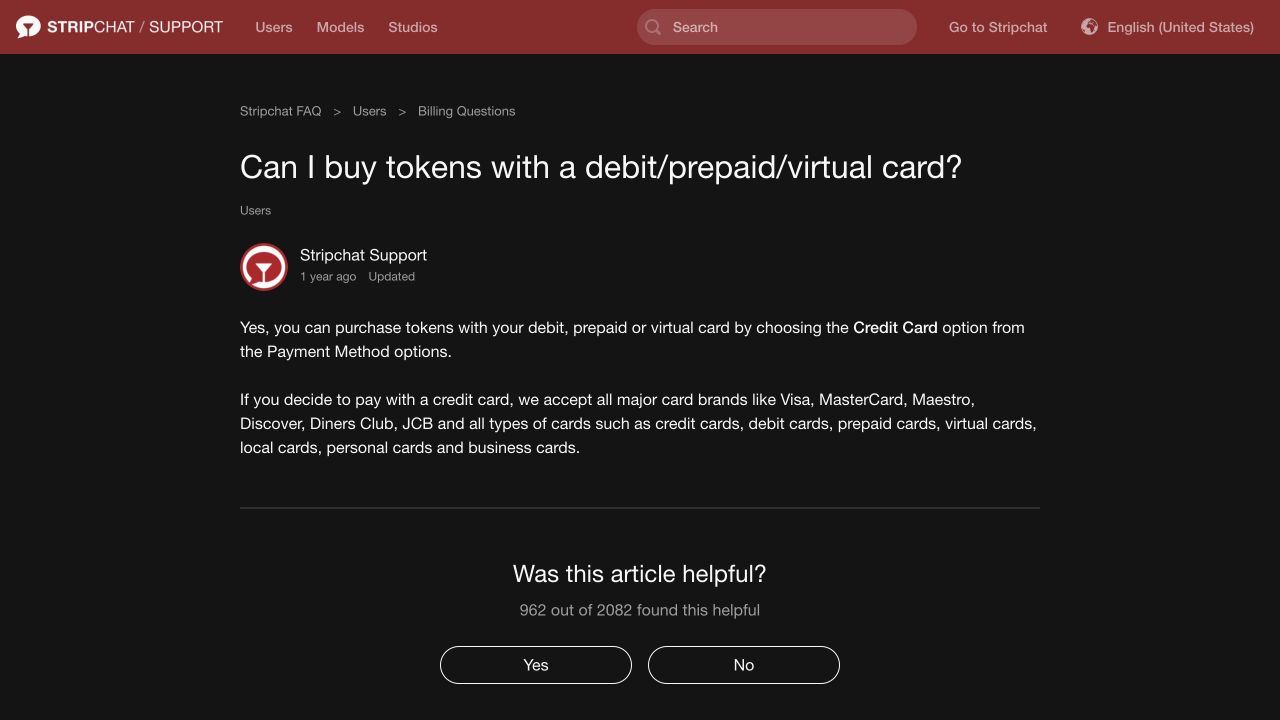
Stripchat’s card help article says debit, prepaid and virtual cards use the payment option labelled Credit Card. It lists major card brands, including Visa and Mastercard. The label therefore does not mean the route is exclusively for a credit card.
The platform accepting a card category and the issuing bank approving a specific transaction are different things. Check the details of the card you intend to use: the relevant online and international permissions, the available balance or credit, and any transaction limit. Ask the issuer about an actual decline rather than assuming that a familiar card logo guarantees approval.
Use payment information you are entitled to use and keep the billing details accurate. If the provider presents an authentication step, complete it only through the genuine banking or payment interface. Do not give a chat contact an OTP or ask them to authorise the transaction for you.
Does a virtual or prepaid card solve every problem?
No. A virtual card can still have issuer restrictions, spending limits or conditions on the type of transaction it supports. A prepaid balance being sufficient does not establish that the payment route will accept the card.
Before obtaining or loading a card specifically for this purchase, check its terms and the options offered in checkout. The broad card categories in Stripchat’s documentation are not a guarantee for every individual card product. They also do not establish that a particular RuPay card, or any other specific card, will be approved.
Why an Indian card payment may be declined
The India-specific decline article identifies international online-payment capability as something to check. Treat it as one possible factor, not a diagnosis of every failed purchase.
The platform’s general decline guidance also points to incorrect details, insufficient funds and issuer restrictions, including blocks related to international use or unusual transaction frequency.
If a payment fails, establish its status before trying again. Read the checkout message, check the bank or provider record and note whether anything is pending or completed. A failed browser screen and a bank debit need to be reconciled; immediately submitting the same purchase again can make the situation harder to track.
Ask the issuer whether the attempted transaction is permitted on that card and whether a specific limit or authentication issue explains the refusal. Provide accurate information about the transaction. Changing an online-payment setting, where appropriate and permitted, does not guarantee that the bank or payment processor will approve the purchase.
For a step-by-step explanation of the records and settings to check, see Stripchat payment declined in India.
A restriction on the Stripchat account itself is another possibility to distinguish from a card decline. Our verification guide explains the account checks documented for restoring purchasing or spending access. Sending money through an unrelated person does not resolve the underlying account restriction.
Paying without a credit or debit card
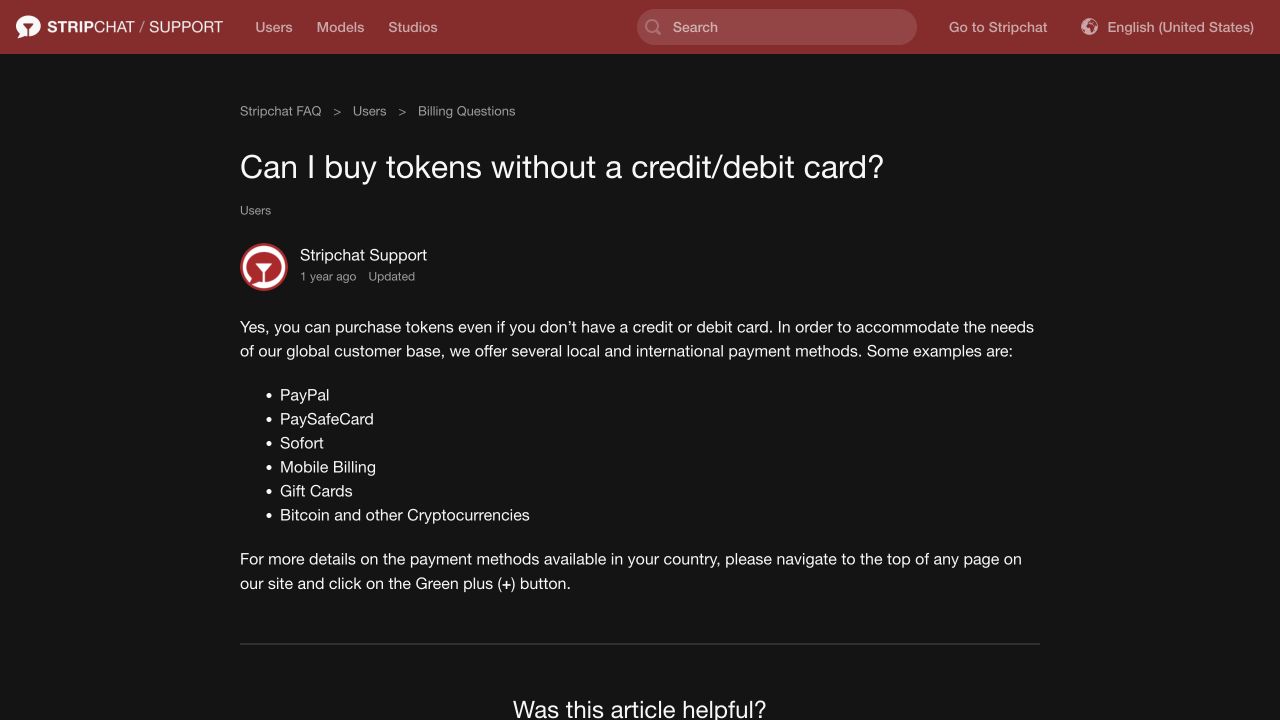
Stripchat’s alternative-payment article lists examples such as PayPal, paysafecard, Sofort, mobile billing, gift cards and cryptocurrencies. It directs users back to the purchase options to see what is available in their country.
The useful question is which of those options you can use under its stated conditions. A method being familiar elsewhere does not establish availability for this purchase in India. Compare the actual offers instead of searching for a workaround to make an absent option appear.
PayPal and other account-based providers
If an account-based provider is offered, check the amount, currency and the authorisation presented by that provider. Identify whether you are making a single purchase or agreeing to a further arrangement. Do not assume the presence of a provider’s brand means every payment feature or funding source is supported.
Keep the provider’s transaction reference as well as the platform receipt. Those records can describe different parts of the same purchase and are useful if the payment completes but the token balance does not update as expected.
Gift cards, vouchers and mobile billing
Check exactly which product the checkout accepts before buying a voucher or gift card. The generic category does not establish that a card from any retailer can be converted into tokens. Read the eligible package, currency, redemption conditions and any fees shown for the offered route.
For mobile billing, use the conditions of the provider displayed to you. Do not assume an Indian mobile number or an active phone account means the method will be available. Avoid giving a third party voucher codes or mobile authorisation details on a promise that they will handle the purchase privately.
Cryptocurrency options
The purchase guide includes Bitcoin, Ether and other cryptocurrencies in its global list. If a crypto route is offered, check the specific asset, network and payment instructions presented by the identified processor. Do not send funds to an address supplied by an unrelated chat contact or assume that any cryptocurrency will be accepted.
A cryptocurrency payment is not automatically a cheaper, anonymous or more suitable substitute for a card. Compare the quoted purchase and any additional costs you would incur, and understand the provider’s conditions before proceeding. If the route or destination is unclear, resolve that uncertainty before sending funds.
Compare the total in INR before choosing a method
Two ways of paying may not leave you with the same effective cost. Compare the same token quantity where possible, using the amount, currency and attributable charges of each offer. A price in another currency needs an INR estimate based on the conversion relevant to that payment route.
An INR label alone does not explain every possible issuer or provider charge. Check which costs are included and which could be applied separately. Avoid counting the same fee twice or treating a headline exchange rate as the complete cost of payment.
Our token prices in INR guide explains the comparison, and the token calculator lets you enter your own price, quantity, conversion rate and extra costs. The calculator estimates from those inputs; it does not confirm that a payment method is available or authorise a purchase.
Also compare the amount you commit upfront. A method offering access to a larger package may have an appealing token price while increasing the total you spend. Start with the budget you are comfortable committing, then compare suitable payment options within it.
Check automatic top-ups and saved payment details
The Auto-Refill guide says the feature is available only with some payment methods. It repeats the last manually purchased package using the last payment details on file. The guide places its control under Balance Auto-Refill in Settings and Privacy.
Review that arrangement separately from a one-off package purchase or any other recurring feature. If you buy a larger package, understand what an enabled refill would repeat. A low token balance is not a reliable budget boundary if another payment can replenish it automatically.
Keeping a payment method on file and authorising future charges are related but distinct matters. Read the particular authorisation rather than assuming that every checkout has identical conditions. Our plain-English guide to the terms covers those payment clauses and the conditions affecting unused balances.
After payment: what confirms the purchase?
Keep the package details, receipt and payment reference, then check the tokens credited to the intended account. A successful payment message is useful evidence of the payment stage; the account balance establishes whether the token purchase has been delivered as expected.
If a payment is debited but tokens are missing, check both the provider’s status and the platform record before making another purchase. Retain the amount, currency, date and time. Stripchat’s transaction-support instructions ask for the purchase date, time and amount, with a receipt if available.
Contact support through the official help centre or the provider identified in your transaction. Do not post full card details, banking credentials or identity documents publicly to ask whether a payment worked. For an operation you genuinely did not authorise, contact the bank or payment provider through its trusted channel and describe the facts accurately.
Frequently asked questions
Is UPI confirmed for every Indian Stripchat account?
No. It is mentioned in the general purchase guide, which also says methods vary by country. The relevant confirmation is the option and instructions presented for your own purchase.
Can I use a debit card even if the option says Credit Card?
The card help article says that option also covers debit, prepaid and virtual cards. The particular card and transaction still need to meet the issuer’s and provider’s conditions.
Will any Visa, Mastercard or RuPay card work?
A supported brand or card category does not guarantee individual approval. Check the available route and your card’s permissions and limits. The general help page is not a compatibility guarantee for every Indian card product.
Can I use PayPal instead of UPI?
Only if it is offered for your purchase and you can use it under the provider’s conditions. Its appearance in the global documentation does not establish that it will be available to every Indian account.
Should I pay a person who promises cheaper tokens?
Use the platform’s checkout and the provider it identifies. A personal payment request or promise to credit tokens manually does not establish an authorised payment route or a genuine discount.
Does changing payment methods guarantee a failed purchase will work?
No. First identify whether the issue concerns the card, provider, account or a payment that is already pending. Another route does not automatically resolve the original problem and can create a second transaction to track.
Is the easiest method always the cheapest?
No. Compare the final cost, currency conversion, additional charges, package size and any recurring authorisation. Convenience is useful, but it does not replace checking the amount you are committing.