Stripchat in India
When Stripchat loads slowly in India, the most useful first question is what has stopped working. A page that will not open, a stream that keeps buffering and a checkout waiting for confirmation are different problems. Treating all three as a website outage can lead to unnecessary browser resets or repeated payments.
Performance depends on the connection, browser, device and the particular service or stream being requested. A fast connection in one city or on one provider does not establish how another account will behave elsewhere. What helps is a short comparison that changes one thing at a time and keeps the relevant error or transaction record.
Start with the least disruptive checks. Save any important notice, identify the affected function and avoid starting another paid action just to see whether the website has recovered.
Identify where the loading problem starts
Note whether the site displays its navigation and ordinary text. If those load but a video does not, the symptom is narrower than a complete failure to reach the website. If the problem appears only after signing in, account state may be relevant. If it appears after payment approval, investigate that transaction separately.
| What happens | What to check first |
|---|---|
| No page opens | The exact browser error, ordinary connectivity and whether the issue repeats on another trusted browser. |
| Video buffers | Whether navigation still works, whether one stream is affected and whether the connection is stable. |
| No sound | Device volume, the player’s audio control and the selected output device. |
| Login fails | The authentication error or account notice, rather than assuming a site outage. |
| Checkout waits | The existing payment reference and provider status before another attempt. |
| Only one device fails | Its browser, extensions, settings and available resources. |
Record the time and time zone as well as the symptom. “The player stopped at 21:15 IST while the help centre still opened” is more useful than “nothing works”. Do not post account details or payment records publicly to ask whether others have the same problem.
Browser checks before changing the connection
Stripchat’s internal-server-error guide lists signing out, clearing cache and cookies, trying a private window or another browser, and restarting the browser or device. Use those checks thoughtfully rather than applying every reset at once.
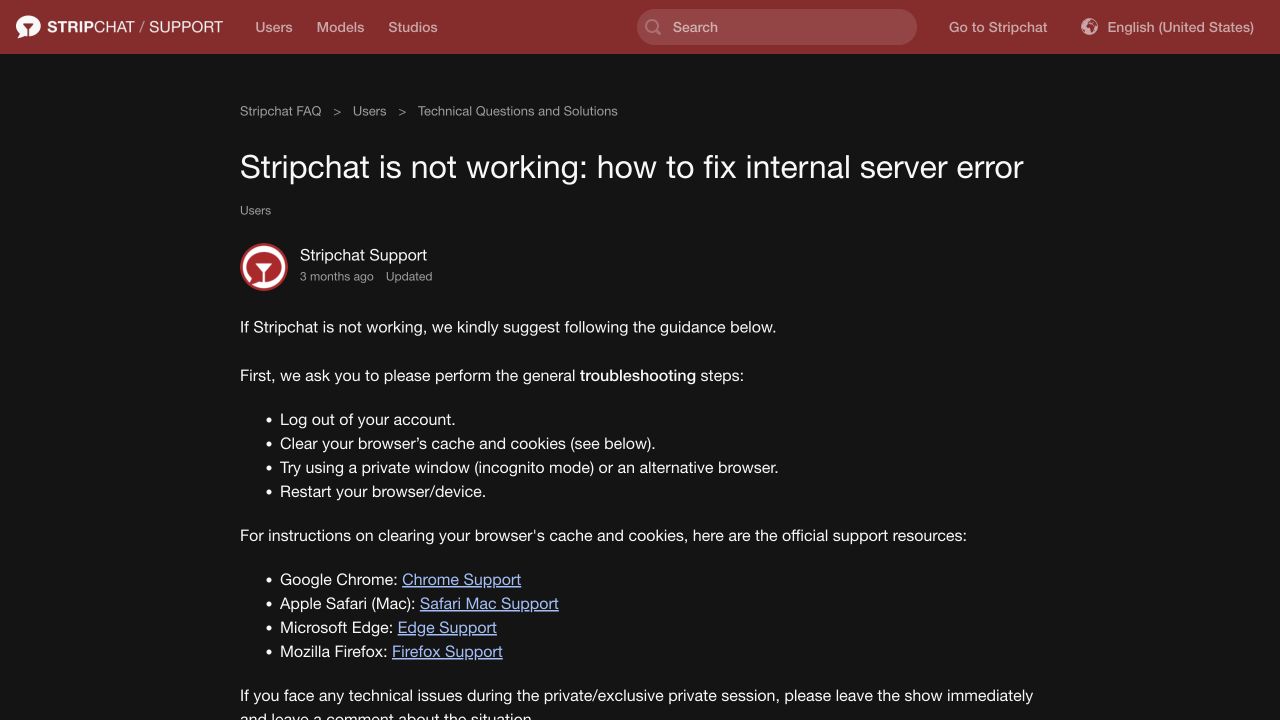
First preserve anything you need from the current page. Then try an ordinary reload if no payment or other sensitive action is awaiting confirmation. A private window or a different current browser can help compare the behaviour without immediately deleting existing browser data.
If the page works in another browser, that points toward a difference worth investigating; it does not identify the exact cause by itself. Compare extensions, site permissions and session state. A private window can also have different settings or extensions, so its result is a clue rather than proof that cookies alone caused the problem.
Before clearing cookies, make sure you can sign back in and complete the account’s authentication requirements. Chrome’s cookie guidance notes that deletion can sign you out and remove saved preferences. Use your browser’s genuine instructions and select the relevant data instead of deleting unrelated saved information indiscriminately.
Private browsing is useful for this comparison, but it is not a promise of anonymous website or payment activity. The incognito guide explains that distinction.
When the page opens but the player does not
The live-stream troubleshooting article recommends a reload and a current browser, and notes that extensions or ad blockers can interfere with the player. It also suggests comparing the connection method.
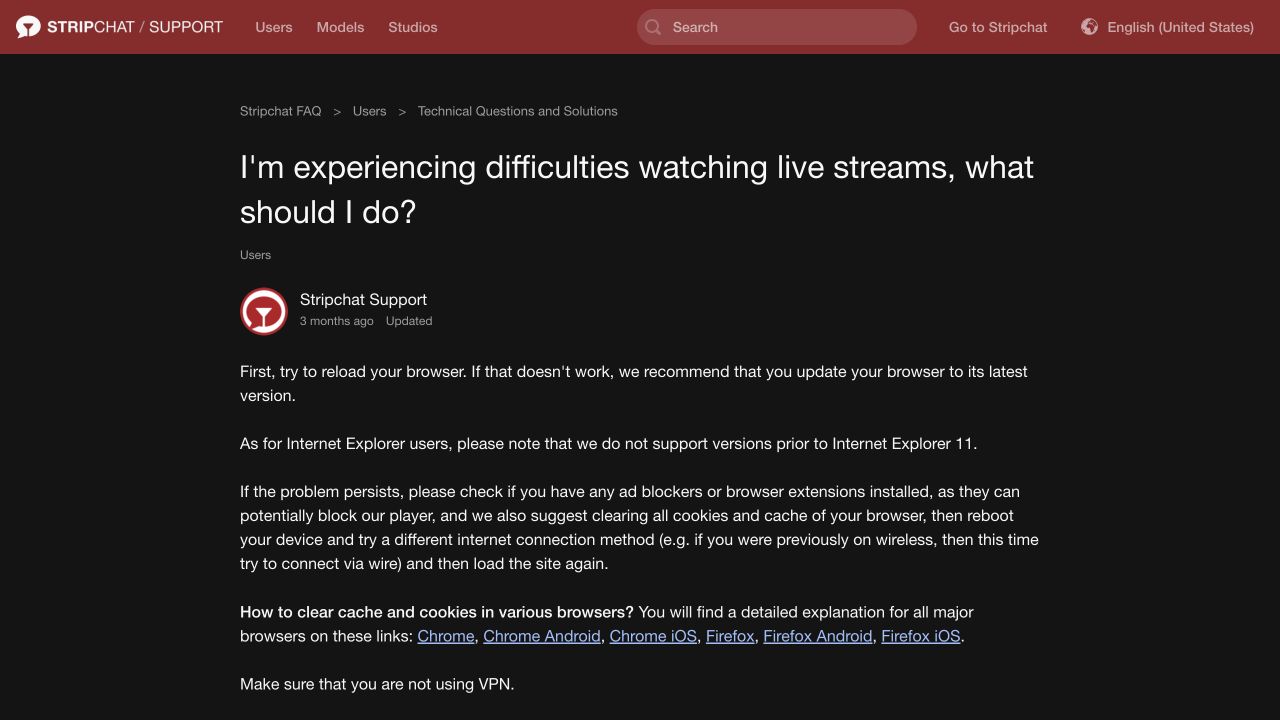
Check whether the issue affects one stream or several ordinary page functions. A single stream’s failure does not establish that every part of the platform is unavailable. Likewise, a working search page does not prove the video path is healthy.
Review the relevant extension’s settings before changing them. If a browser tool identifies a blocked resource, keep the message and use its documentation to understand the result. Avoid turning off every protection or installing a special player offered by an unfamiliar page. Our app and APK safety guide covers fake download and update claims.
For missing audio, distinguish the player’s mute control from the phone or computer’s volume and output selection. If sound works elsewhere but not in one stream, describe that scope when asking for help. Reinstalling a browser is a large change for a symptom that may concern one control or source.
Connection requirements in the official guidance
Stripchat links to its connection test from the troubleshooting guide and publishes the following criteria:
| Measure | Published criterion |
|---|---|
| Ping | Less than 200 ms |
| Jitter | Less than 4 ms |
| Download | More than 4 Mbps |
| Upload | More than 4 Mbps |
These are the platform’s troubleshooting criteria, not a guarantee of smooth playback at every resolution or on every network. A single result also describes one test at one time. Keep the test conditions with the result, including the device, connection and time.
Download and upload figures describe different directions of traffic. Latency and variation in delay add information that a headline speed figure alone does not provide. A connection can show a substantial download rate and still behave inconsistently during an interactive session.
If you run a connection test, consider the data it uses, particularly on a limited mobile plan. Do not run repeated tests throughout a paid interaction to chase a changing number. Collect a useful comparison outside the session and share the relevant result with support or the provider if needed.
The same help article addresses camera and microphone readiness and browser permission for interactive sessions. A denied microphone prompt is not necessarily a bandwidth problem. Check the feature involved rather than approving unrelated permissions to resolve a loading error.
Wi-Fi, mobile data and provider differences in India
Compare connections only when you can do so normally and understand any data charges. Changing from Wi-Fi to mobile data changes more than the name of the network: it changes the route being used, and possibly the signal conditions and network policies too.
If the same page works on mobile data but not on home Wi-Fi, note that difference without immediately blaming either the website or the internet provider. Check whether other sites work, whether the Wi-Fi signal is weak and whether another device on that connection has the same symptom.
For a useful comparison, keep the device, browser and page the same and change only the connection. For a device comparison, keep the network and page the same. Changing the phone, browser, network and account together may produce a different result while telling you very little about why.
Background downloads and other active devices can also affect a shared connection. Make comparisons under reasonably similar conditions. Keep a record of repeated problems at a particular time rather than treating one good or bad result as a permanent rating of an operator.
If the browser shows an access restriction or security warning, preserve its wording and ask the relevant provider or support channel for an explanation. A generic connection failure does not establish a particular legal or regional cause. Do not install an unknown certificate, proxy helper or APK simply because a page calls it a connectivity fix.
Local problem or wider service outage?
Use the scope of the failure to guide the next step:
- One browser fails while another works: compare browser settings, extensions and session state.
- One device fails on the same connection: investigate that device before concluding the network is down.
- One connection fails while another works: preserve the comparison for the network provider or platform support.
- Several functions fail across devices and connections: a broader issue becomes more plausible, but still needs confirmation.
A cluster of user reports can show that others have symptoms. It does not by itself prove the cause, affected region or recovery time. Prefer a specific statement from the service or a response addressing the incident over a countdown or claim posted by an unrelated account.
If there is no confirmed explanation, describe the issue narrowly: which page, which error, which time and which comparisons worked. That is more useful than announcing that Stripchat is unavailable throughout India based on a single connection.
Interrupted paid sessions and stuck payments
The platform’s troubleshooting guide tells users experiencing technical issues during a private session to leave it immediately and record the situation. Use the service’s explicit end control where available; a frozen picture or closing the phone’s screen should not be treated as confirmation that a session ended.
Keep the session time, any visible notice and relevant account records. If you cannot determine the final status, ask support to check the specific interaction. The refund-policy guide explains the separate conditions without promising that every interruption produces a refund.
For a checkout that stops responding, keep the purchase reference and compare the bank or provider’s status with Token History. Avoid creating another transaction merely to test the website. A bank notification and a token credit are different records; our missing-token guide explains the next checks.
If the payment appears unauthorised, report that promptly through the bank or provider’s genuine channel instead of waiting for a presumed website outage to end. Describe what you actually approved and preserve the records.
What to send support
Prepare a short record that lets another person understand the symptom:
- The page or feature involved and the exact error, if any.
- The date, time and time zone, such as IST.
- Device, operating system, browser and connection type.
- Whether another browser, device or ordinary connection behaved differently.
- Any relevant connection-test result, session reference or purchase reference.
Include only checks you actually performed. A screenshot should retain the relevant error while excluding unrelated personal or financial information. Keep passwords, reset links and authentication codes out of the request.
Our India customer-support guide explains the official contact route. For phone-specific navigation and account tasks, see the mobile review. Ask support about the particular failure rather than asking for an account reset before the cause is understood.
Frequently asked questions
Why does Stripchat buffer when other sites load?
Loading ordinary pages does not test the same task as sustained video playback. Compare the player, browser and connection conditions, and note whether one stream or several features are affected.
Does passing the connection test guarantee smooth viewing?
No. Keep the result as one piece of evidence alongside the actual symptom and test conditions. It does not establish the quality of every stream or future session.
Should I clear all browser data immediately?
Start with a narrower comparison when possible. Clearing cookies can sign you out, so preserve relevant records and make sure you can authenticate again before following the browser’s instructions.
Does a failed page mean the site is blocked across India?
One failed connection cannot establish that. Keep the exact error and compare the scope of the problem before assigning a regional cause.
Should I repeat a purchase if the page freezes?
First check the existing transaction and account records. A second payment can complicate the original issue without showing whether it completed.