Stripchat Token Calculator
Use this calculator to turn a token-package offer into an estimated cost in Indian rupees. Enter the price and token quantity shown to you, add any conversion and extra costs, and compare the total with your budget. You can also estimate the cost of a timed session using its displayed token rate.
Illustrative example: these values are not a Stripchat price quote.
Enter your package price and token quantity to see an estimate.
- Estimated package cost
- —
- Cost per token
- —
- Converted price before extras
- —
- Additional costs
- —
- Cost per minute
- —
- Planned session cost
- —
- Tokens for the planned session
- —
The planned session needs more tokens than this package includes. Additional purchases may have different unit costs.
Estimates use your inputs, not live prices or exchange rates. Only add fees or taxes that are not already included.
How to use the calculator
Start with the package you are considering, rather than a token price copied from another account. The result is most useful when the quantity, amount and payment method all refer to the same offer.
- Enter the tokens included. Use the quantity the purchase will provide, not the balance already in your account.
- Select the payment currency. Choose INR if the amount you enter is already in rupees. For another currency, enter how many rupees equal one unit of it.
- Enter the package price. Keep it in the selected currency. A US$20 offer belongs in a USD field as 20, not as an already converted rupee amount.
- Add only the extra costs that are missing. The percentage fee applies to the converted price. Other costs are entered directly in INR and added afterwards.
- Add a session rate if useful. Enter tokens per minute and a planned duration to estimate the tokens and rupee cost of that activity.
Results update as you edit valid inputs. Calculate highlights any fields that need attention. Clear returns the form to its initial state, while Load an example supplies explicitly illustrative figures you can replace.
The calculator works with the numbers you enter in your browser. It does not connect to a Stripchat account, make a purchase, retrieve current offers or send the entered figures to a pricing service. You do not need a username, bank details or an identity document to use it.
Where to find your package price and token quantity
Stripchat’s pricing help article directs users to the green plus button to see available packages, methods and prices. It describes discounts on larger packages, so one assumed token price should not be applied to every offer.
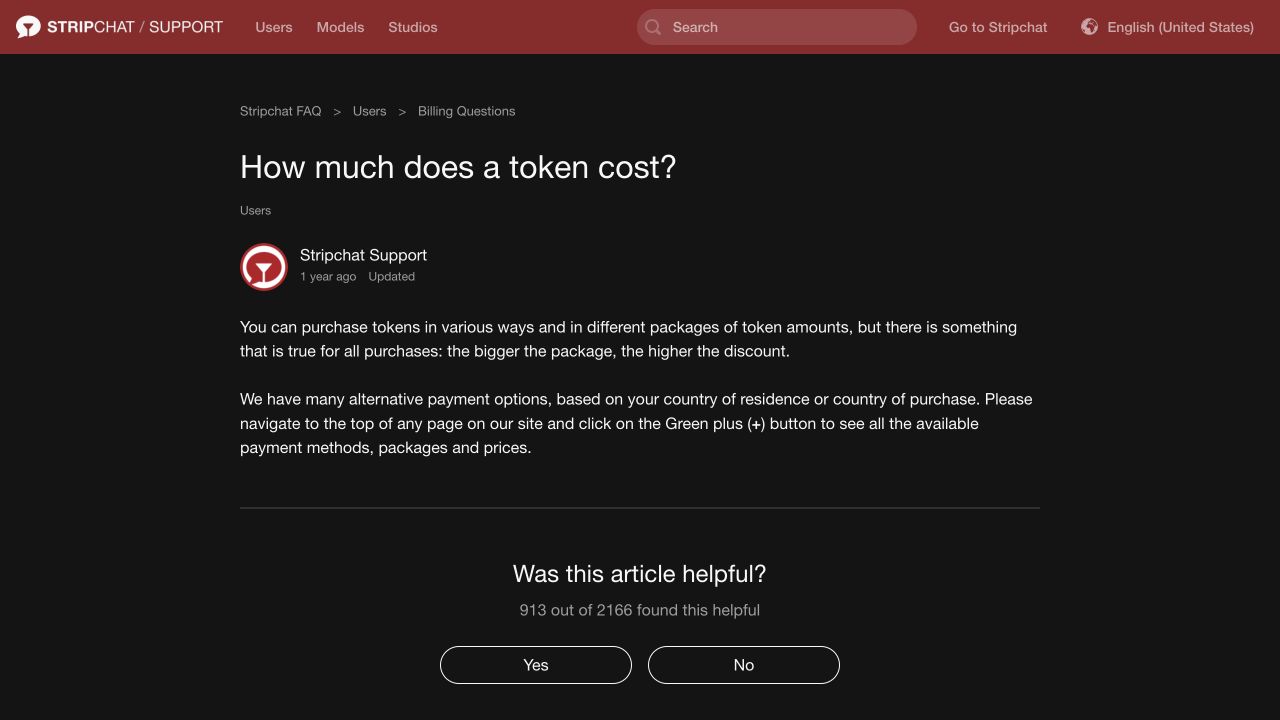
Record the package total and included tokens before comparing another offer. If a promotion changes either figure, use the revised details together. Do not combine one package’s discount with another package’s token quantity.
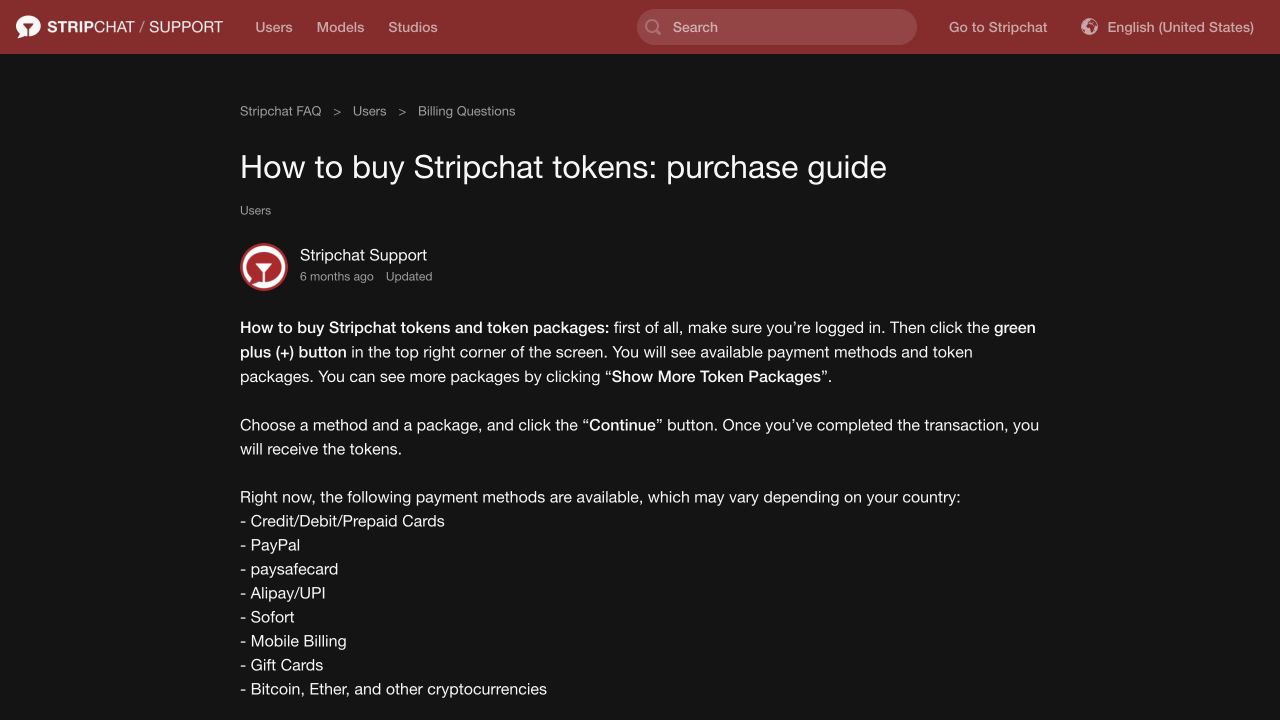
The purchase guide describes opening the purchase options while signed in and using Show More Token Packages to see additional choices. It also says payment methods vary by country. Compare a route actually offered to your account, rather than assuming every listed method is available in India.
For a broader explanation of discounts, conversion and the final charge, see our Stripchat token prices in INR guide.
What the results mean
Estimated package cost
This is the converted price plus the extra costs you enter. If the payment is already denominated in INR, no exchange-rate multiplication is used. If you select another currency, the entered rate converts the package price into rupees first.
Before purchase, this is a planning figure. After a payment has settled, you can use the actual INR total and any separately listed attributable costs to understand what the purchase cost. An estimate does not override the checkout total or the bank’s completed transaction record.
Cost per token
The calculator divides the estimated package cost by the tokens included. This gives you a useful unit price for comparing offers of different sizes.
A lower cost per token and a lower total spend are different advantages. A bigger package may have the better unit price while committing more money than you intended. Compare both results rather than judging an offer on the discount alone.
The unit cost is an acquisition-cost estimate for a viewer. It is not a token cash-out rate, a model’s earnings figure or a promise that tokens can be exchanged back into that rupee amount.
Cost per minute and planned session cost
When you enter tokens per minute, the calculator multiplies that rate by the estimated cost per token. Add a duration to calculate the tokens needed and the resulting session cost.
The estimate assumes the same rate throughout the planned time. Tips, paid messages and other separate deductions are not included unless you budget for them yourself. A rate shown for one feature should not be reused for another without checking it.
If the planned session needs more tokens than the package provides, a message points this out. The displayed session cost still uses the unit price of the package you entered. Buying additional tokens might involve a different offer, so that extrapolated amount is not a quote for an extra purchase.
The calculation behind the estimate
The formulas are straightforward enough to check by hand:
Converted package price = package price × INR per unit of payment currency.
For an INR purchase, the conversion factor is 1.
Additional percentage fee = converted package price × fee percentage ÷ 100.
Estimated total = converted package price + percentage fee + other costs in INR.
Cost per token = estimated total ÷ tokens included.
For the optional session estimate:
Session tokens = tokens per minute × planned minutes.
Session cost = session tokens × cost per token.
Calculations use the underlying values before rounding the displayed amounts. Package and session totals are displayed to two decimal places; unit prices retain more decimal places to make small differences easier to compare. The displayed figures are still estimates based on your inputs, rather than a prediction of a processor’s precise rounding rules.
A worked INR example
The following figures are illustrative, not a Stripchat package or session tariff.
Load an example fills in 200 tokens, a package price of ₹2,000 and no extra costs. The resulting price per token is:
₹2,000 ÷ 200 = ₹10 per token.
With a hypothetical session rate of eight tokens per minute and a duration of ten minutes, the calculation gives 80 tokens and ₹800. The package cost remains ₹2,000: ₹800 describes the portion of that purchase cost represented by the planned token use, not another payment the calculator is asking you to make.
That distinction helps when setting a budget. You pay for the package first, then use its balance on features. Estimating the cost of one activity does not change the amount committed to the original purchase.
A foreign-currency example with fees
These are arithmetic assumptions, not a live exchange rate, a bank fee schedule or a Stripchat offer.
Suppose you enter 200 tokens, a USD package price of 20, an assumed conversion rate of ₹90 per US$1, a hypothetical fee of 3% and ₹6 in other costs:
- Converted package price: 20 × ₹90 = ₹1,800.
- Percentage fee: ₹1,800 × 3% = ₹54.
- Other costs: ₹6.
- Estimated total: ₹1,860.
- Cost per token: ₹1,860 ÷ 200 = ₹9.30.
The percentage field applies to the converted package price only. It does not apply a percentage to the fixed INR costs, and it does not automatically calculate taxes on fees. If your payment has a more complicated charging structure, calculate those additional amounts from the relevant terms and include them once under Other costs.
If the exchange rate or charges are unknown, the result remains an assumption. Use it to explore how a different rate changes the budget, then replace the estimate with the actual payment information when available.
Avoid these common input mistakes
Converting an amount twice
If you already have an INR total, select INR and enter that amount. Selecting USD and entering an amount you have already converted to rupees would multiply it again and produce a misleading result.
For a foreign-currency amount, make sure the rate points the right way: the calculator wants rupees per one unit of that currency. It does not want the number of foreign-currency units purchased by one rupee.
Counting an included charge again
The form cannot know which fees a checkout total includes. If a cost is already part of your package price, leave the corresponding additional field at zero. The same applies if a provider has already incorporated a conversion margin into the rate you enter.
Your card or payment provider determines the conditions of the actual transaction. For example, SBI Card’s published terms describe conversion using a network rate at settlement and different charges for different card variants. Use the terms for your own method rather than treating an illustrative percentage as a universal fee.
Dividing by the remaining balance
Tokens already spent should not disappear from the quantity used to calculate the original purchase’s unit cost. Use the tokens received from that purchase, not what remains afterwards.
If your balance combines several purchases, you can calculate an average by adding the costs and token quantities of the same purchases. That historical average serves a different purpose from comparing the next offer you might buy.
Comparing two packages
Run the calculator for the first package and note its total cost and price per token. Replace the entries with the second package’s own figures and compare the same outputs. Keep each offer’s currency, applicable charges and token quantity together.
If one package has a lower unit cost but a higher upfront total, decide which matters more for your planned use. A discount on tokens you may never spend can still leave you committing more money than necessary.
Also check whether automatic replenishment is enabled before treating a single package as your spending limit. Our explanation of Stripchat’s terms covers Auto-Refill, authorised charges and conditions affecting unused balances. The calculator does not switch any account settings or place a limit on the platform’s billing. Our Stripchat spending-controls guide explains how to combine the estimate with a rupee budget, payment records and the relevant account settings.
Frequently asked questions
Does the calculator use a current Stripchat price?
No. Enter the offer shown to you. This keeps a worked example or an old package screenshot from being mistaken for the price available to your account.
Is the exchange rate updated automatically?
No. When the payment currency is not INR, supply your own rate in rupees per unit of that currency. It can be an estimate for planning or an actual conversion figure for reviewing a completed payment.
Can I use the calculator for UPI or another payment method?
Yes, if you have the relevant token quantity, price and attributable costs. Select INR when the amount is already in rupees. The calculator’s support for arithmetic does not establish that a particular payment method is available to your Stripchat account.
What should I enter if there are no extra fees?
Leave the additional costs at zero. Also use zero for a fee that is already included in the package amount or rate you entered, so it is not counted twice.
Why does the calculator show more precision for one token?
Rounding a small unit price too early can distort comparisons and session estimates. The calculation retains the underlying value while displaying the overall totals in rupees and paise.
Does the session estimate include every possible deduction?
No. It covers the token rate and duration you enter. Separate tips, messaging charges, other purchases and changes in the rate need their own allowance.
Does entering an amount buy tokens or reserve a price?
No. The tool only calculates an estimate from your numbers. A purchase and its final terms belong to the platform’s payment process.